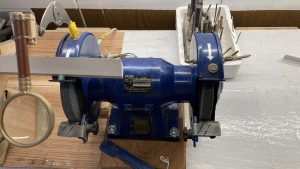
令和6年の地震や豪雨災害の早い復興を願います。 私の趣味はDIYを楽しむ事 小さな物から大きな物まで修理や作成しています。 (写真:梅津正道隊員撮影) I wish for a swift recovery from the earthquake and heavy rain disasters of 2024. My hobby is enjoying DIY, repairing and creating things from small to large. (Photo: Taken by Masamichi Umezu)
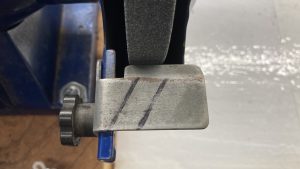
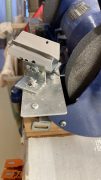
I am using the markings drawn with a marker on the tool rest as a reference to make the drill tip angle 118 degrees, but this method results in inconsistent quality.
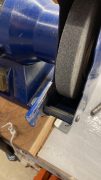
この ツールレストを 取外して ドリル研磨時の 治具を取り付けたいと 思います。
I plan to remove this tool rest and attach a jig for drill sharpening.
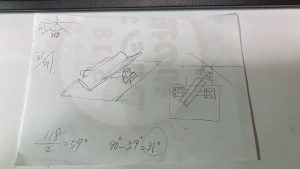
制作イメージを ポンチ絵に 書きます。 I will draw a conceptual sketch of the production image
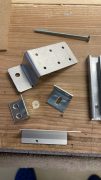
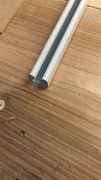
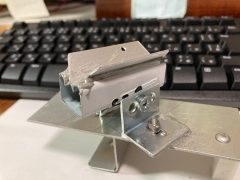
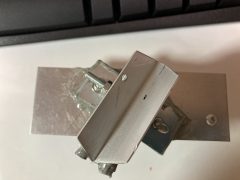
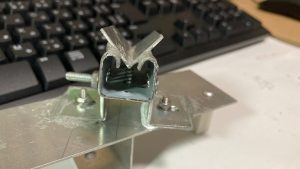
このよううな 端材が 在ったので 使用したいと思います。Here’s the English translation: “I found some scraps like this, so I’d like to use them.
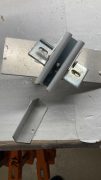
この二つのパーツを 強力接着剤を使用して 張り合わせます。I will bond these two parts together using strong adhesive.
今日は ここまで また明日続きを やります。 I’ll stop here for today and continue tomorrow.
(8.14)
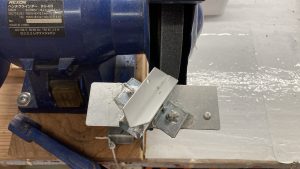
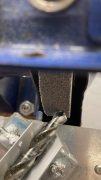
グラインダーに 取り付けました。 I attached it to the grinder.
ドリルを 載せたところ The drill has been set.
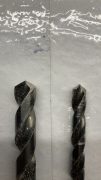
ドリルの 先端角度が いい感じです。 The tip angle of the drill looks good.
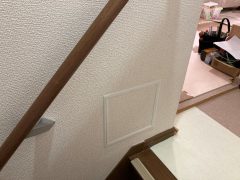
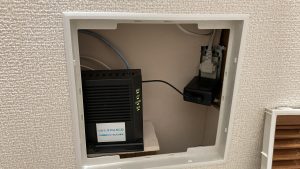
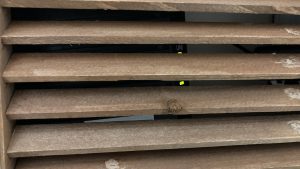
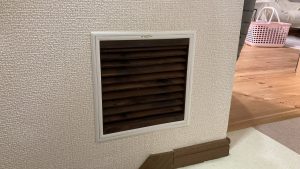
I have placed my modem inside the inspection opening in the wall. Recently, the connection has been frequently dropping, and each time, I have to turn off the power and reset it
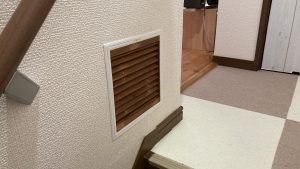
モデムの通信状態のランプを外から見るために 蓋を改造する事にしました。To modify the lid in order to view the communication status lights of the modem from the outside.
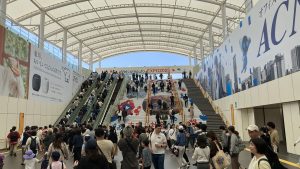
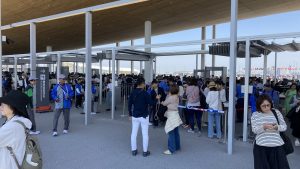
関西万博に行きました。折角大阪に住んでいるので万博を楽しもうと 夫婦で通期券を買い本日一回目を敢行し万博に行きました。 We visited the Kansai Expo. Since we live in Osaka, we decided to make the most of the Expo and purchased a season pass as a couple. Today, we made our first trip to the event.
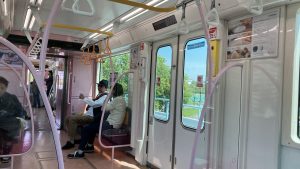
I left my bicycle at Suminoe Park, took the New Tram from the starting station (Suminoe Park) to the last station (Cosmo Square), then transferred to the Metro Chuo Line and arrived at Yumeshima Station after one stop.
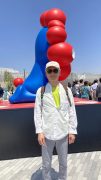
The front of Myakumyaku was crowded with people taking photos, but the sides allowed for immediate shots without waiting. There was also a Myakumyaku in a different pose on the west gate side.
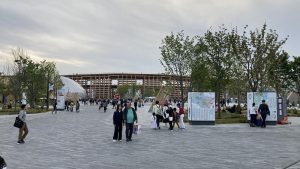
初めに 大屋根リングを一周 見晴らしと規模の大きさを実感しました。First, we walked around the Great Roof Ring, taking in the panoramic views and appreciating its impressive scale.
We descended from the Great Roof Ring, recharged our energy with rice balls, explored various areas without reservations, visited two reserved pavilions, and returned home around 6:30 PM.
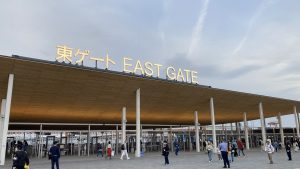
帰りも東ゲート、地下鉄、ニュートラムのルートでした。The return trip also followed the same route: East Gate, subway, and New Tram.
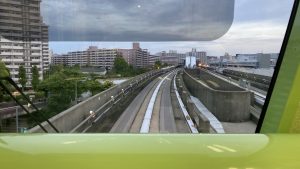
ニュートラムは無人運転なので一番前に座ると 運転手気分を味わう事が出来ます。
Since the New Tram is operated without a driver, sitting at the very front allows you to feel like a train operator.
(4.30)
今日は e Mover に載りました。東西を行ったり来たりする時は楽だと思います。1,000円で1日乗り放題です。1回は400円です。朝から夜まで歩き回る時は 乗り放題良いかも。
Today, I rode the e Mover. I think it’s convenient for traveling back and forth between the east and west. It offers unlimited rides for 1,000 yen a day, while a single ride costs 400 yen. If you’re walking around from morning until night, the unlimited pass might be a good choice!